


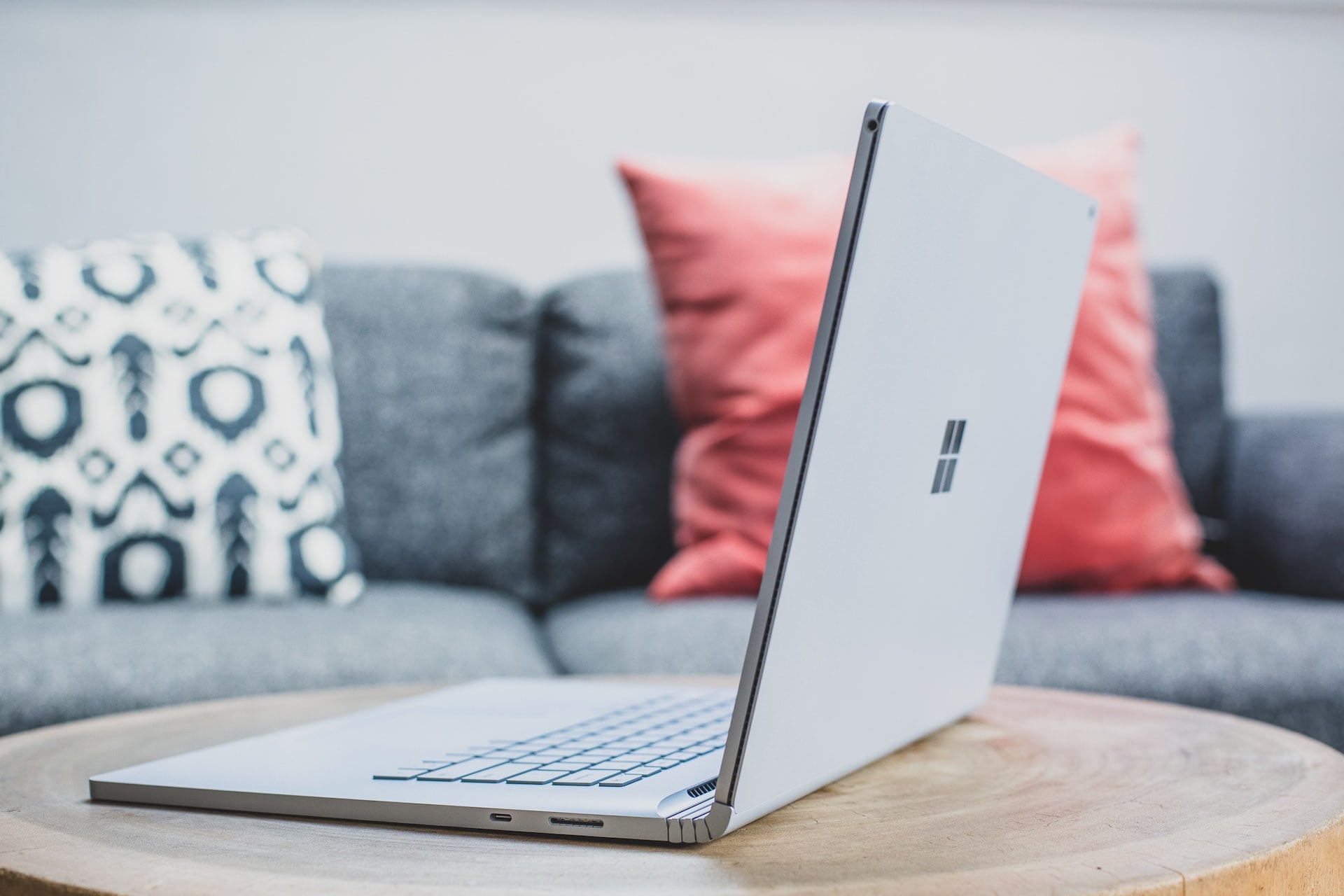
In the past, Microsoft’s Surface collection only included a couple of types of models. The Surface family, however, has grown steadily over time.
For instance, Microsoft’s brand-new Surface Laptop Studio is an innovative and fruitful attempt to recreate the features and benefits of the Surface Book, such as its detachable display.
It’s easy to be overwhelmed by the Surface family of devices. The Surface family now includes the Surface Pro X, Surface Go, Surface Pro 8, and Surface Go Laptop, and I could go on and on.
How do you choose the suitable model when there are so many options? Here, we’ll compare and evaluate each Surface model to help you pick the right one for your needs.
Surface Pro 8: The best option
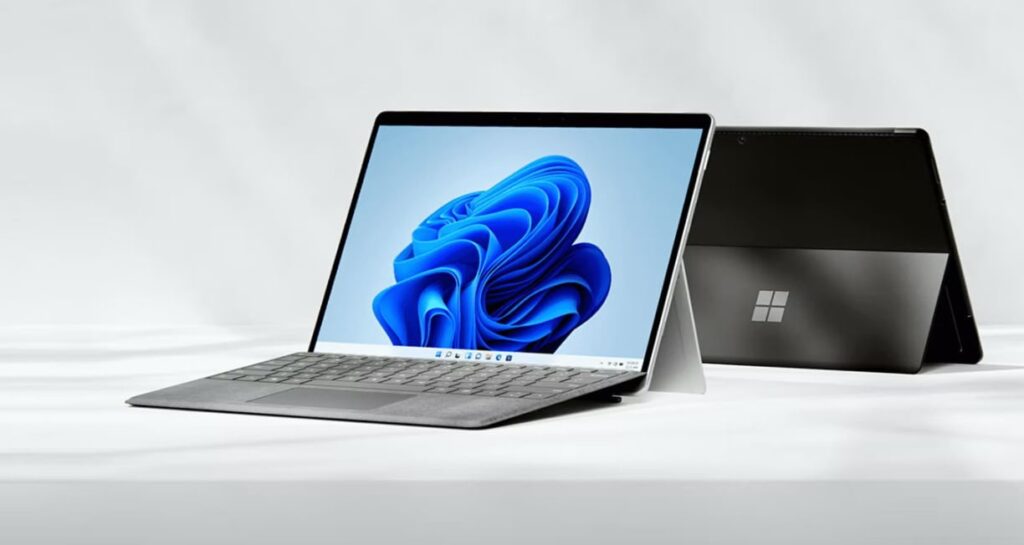
With this upgrade, Microsoft has cemented the Surface Pro 8’s status as the flagship model of the Surface series. Microsoft’s Surface Pro 8 continues the company’s tradition of innovation in the 2-in-1 industry. That is a gadget that can function as a tablet or laptop without requiring much additional work on the user’s part.
The base price of a Pro 8 with an Intel Core i5, 8GB of RAM, and 128GB of storage starts at $1,099. The basic model will have more than enough power for regular office work, lengthy email exchanges, and casual gaming. Priced at $2,599, the maximum configuration of the Pro 8 includes an Intel Core i7 processor, 32GB of RAM, and 1TB of storage space.
The 13-inch touchscreen can be laid almost entirely flat thanks to the robust hinge in the foldable kickstand, similar to the rest of the Surface 2-in-1 family. The Type Cover, which converts the tablet into a laptop, costs roughly $180 on its own or in a bundle with the new Slim Pen2 for $280. You won’t have to mess with plugging in or connecting the Type Cover because it snaps right into the base.
The Pro 8’s bigger screen is consistent with other Surface devices, even the Surface Pro X. This means it will be very vivid, sharp, and clear. The battery life should be sufficient to last at least one day of light use. Microsoft claims an unbelievable 16 hours of battery life.
Thunderbolt 4 compatibility is a first for any Surface product from Microsoft. That means you can take advantage of its quicker speeds by connecting an extra monitor or storage.
If you’re looking for a powerful Windows 2-in-1 device that bridges the gap between tablet and laptop, go no further than the Pro 8. A central selling point of the Surface Pro line is its portability, and the Pro 8 continues this tradition admirably.
Surface Pro X: A bleeding-edge device
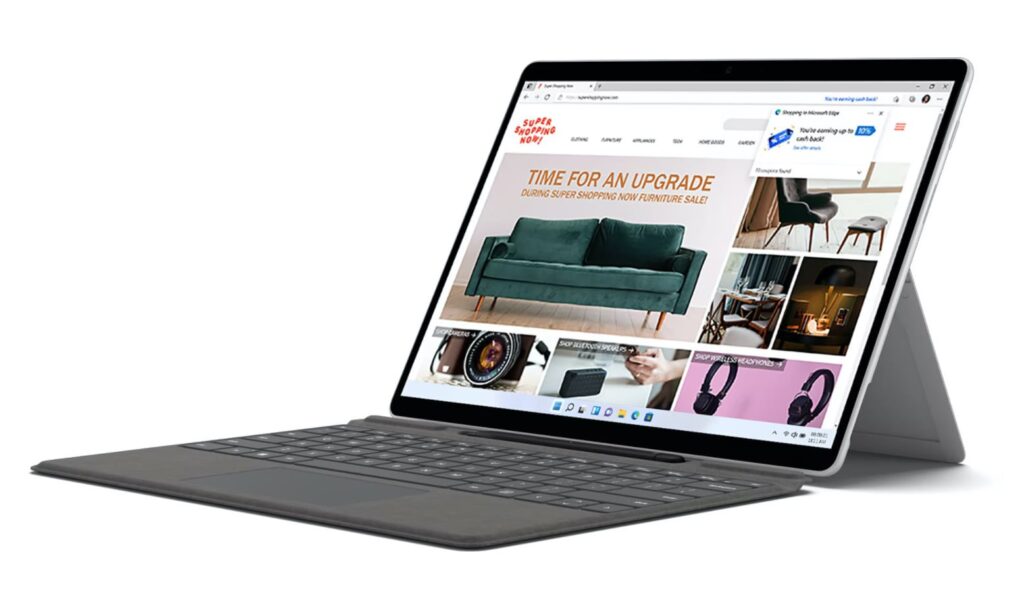
In terms of design, the Surface Pro X is not the prettiest option in the family now that Microsoft’s Surface Pro 8 has embraced its design. However, the device still looks excellent. You can now choose between a Wi-Fi-only model and one with built-in LTE connectivity, and the 13-inch screen looks stunning thanks to the narrow bezels. To transform it from a tablet into a full-fledged laptop, we advise purchasing the extra keyboard and Microsoft Pen accessory set, which costs $140 for the keyboard alone or $270 when purchased together with the Slim Pen.
The Pro X is powered by an ARM-based processor built in collaboration with Qualcomm rather than Intel’s newest chip. Upgrading to an ARM processor can boost performance and extend battery life, which hovers at around 15 hours. It combines the familiarity of Windows with modern mobile devices’ speed and battery life.
Since developers need to rewrite their programs to operate with the Pro X’s processor, some programs won’t launch. In contrast, others will launch but will run slowly and have bugs. However, Windows 11 has several enhancements designed by Microsoft for the Pro X’s processor.
Priced at $899, the cheapest edition of the Surface Pro X features an SQ 1 CPU, 128GB of SSD storage, and 8GB of RAM. The SQ 2 with LTE and 16GB of RAM, and 256GB of SSD storage costs $1499 and features a slightly faster processor.
In our tests, the Pro X with SQ 2 performed admirably, so long as we stuck to the tried-and-true programs and services compatible with the developing processing platform. The screen is gorgeous, and the battery life was sufficient for our needs.
However, the Pro X is the best fit for someone comfortable with the bleeding edge and doesn’t mind the occasional hitches and app compatibility difficulties that come with it.
Surface Laptop 4: A regular laptop
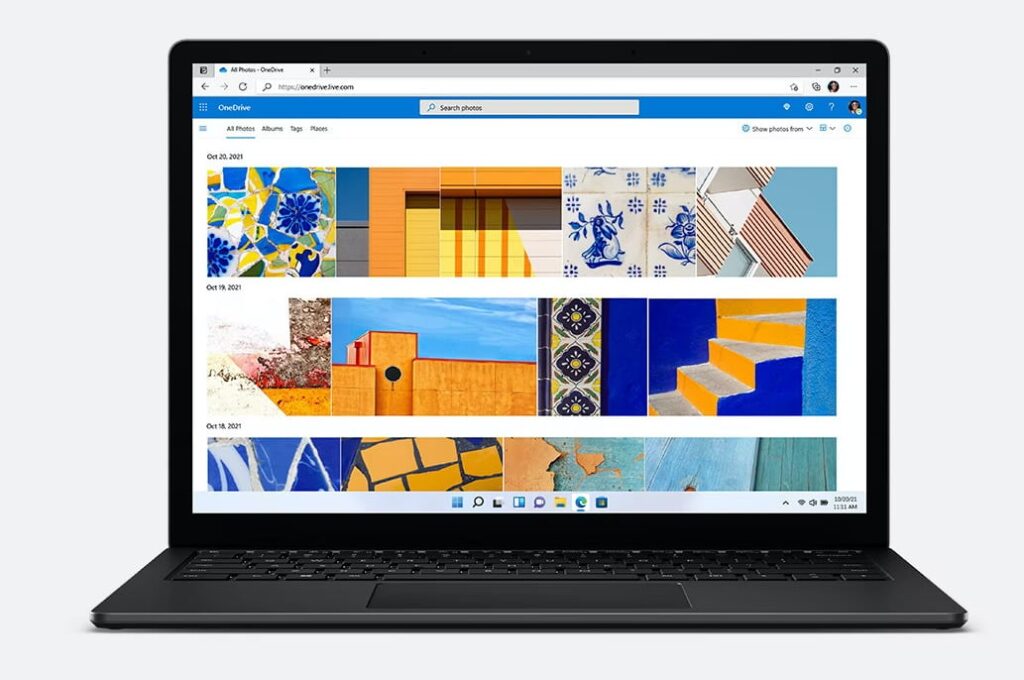
The Surface Laptop 4 is an excellent option for those who require or desire more from their portable computer. It has a 13.5-inch option and a 15-inch screen for those who like a larger viewing area. Because of this, prices also vary. The smaller 13-inch model costs $999, while the larger one costs $1,299.
Display size is the primary element in choosing among the many options. The 13.5-inch model is the more mobile alternative, while the 15-inch model is for those needing extra room. You receive the same touch- and Surface Pen-compatible PixelSense display with any option.
The standard configurations of both sizes have AMD processors, which are faster than their Intel counterparts. From 8GB up to 32GB of RAM and 256GB up to 1TB of storage space are all available. As such, it is an excellent option for every kind of laptop user. There are two types of laptop users: those who merely use a laptop for schoolwork or everyday duties and those who strain the capabilities of even the most powerful laptops.
Its keyboard is a joy to use, and it has enough connections to hook up your standard peripherals. You can customize its performance by choosing between AMD and Intel processors. There are way too many combinations to list, but you can count on finding something that works within your price range.
If you’re looking for a genuine laptop from Microsoft, go no further than Laptop 4. The most crucial factor is not the processor but the display size, and making a decision is simple from that point on.
Surface Laptop Go: The smallest laptop
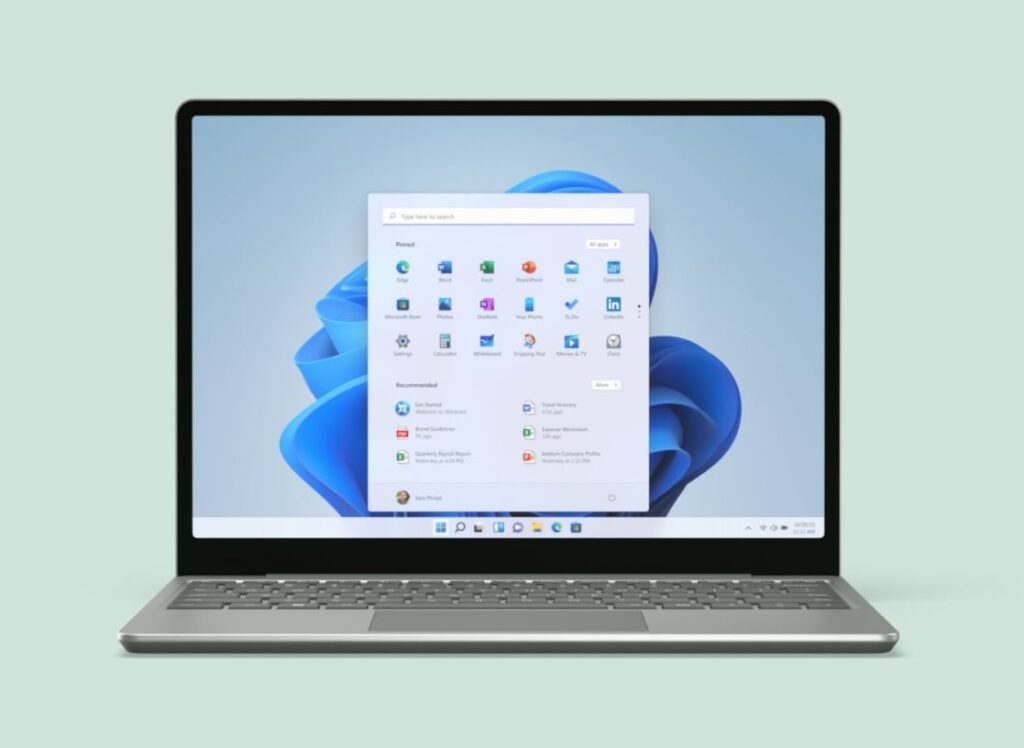
Microsoft’s smallest laptop, the Laptop Go, was made with distance learning and remote employment in mind. It’s not meant to dazzle with lightning-fast performance or a mind-blowing screen.
The Laptop Go, with a base price of $549.99, is designed to be reasonably priced without sacrificing basic functionality.
The more expensive model with the Intel Core i5 CPU, 8GB of RAM, and a 128GB SSD is the better choice. The Laptop Go’s compact size and light weight make it ideal for on-the-go use, whether you need it for managing Discord chats, sorting through emails, or penning a lengthy paper.
Plus, the power button now doubles as a fingerprint reader, allowing you to swiftly and efficiently log in to your laptop without having to remember a long password. Everything about the design screams “Microsoft,” from the colors to the 12.4-inch PixelSense display.
The Laptop Go, like the Surface Go 3, comes preloaded with Windows 10S. To reiterate, this is a stripped-down edition of Windows 10 with many limitations that many users will likely find unacceptable. You can turn it off and use Windows 10 to the fullest extent. Additionally, the update to Windows 11 is completely free of charge and is available to you at any time.
Consider the tiny and reasonably priced Laptop Go if you need a laptop for business but don’t want to break the bank. It’s quick enough and has long enough battery life to get the job done.
Surface Go 3: The Chromebook competitor
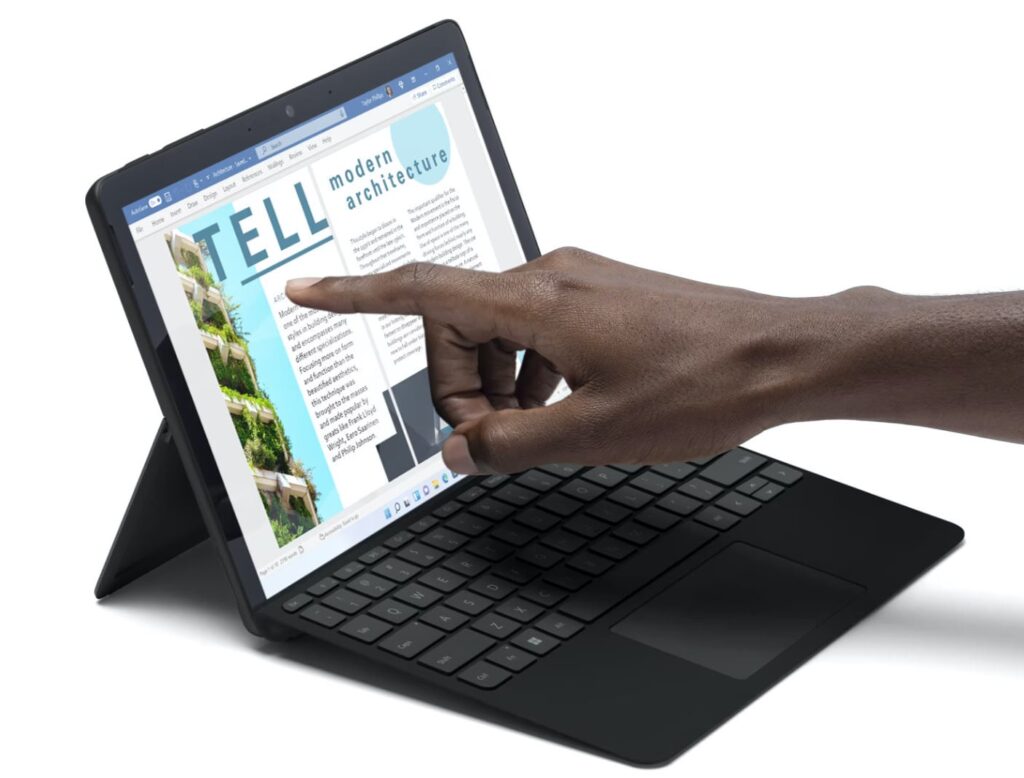
The Surface Go 3 is the smallest and the least expensive compared to other Surface devices. It’s a cross between a tablet and a laptop, costing a minimum of $399.99. You can purchase a tablet with a decent display, internal components, and a built-in kickstand for that money. If you need a basic computer to shop online, check your email, and watch videos from your favorite YouTube producers, the Go 3 is a great choice.
However, the Go 3’s base model isn’t recommended due to how poorly it performs when you add in multitasking and light photo editing. You can purchase a Surface Go 3 for $630 that has enough power to run Excel spreadsheets, sort through your inbox, and respond to Slack messages from coworkers. It features an Intel Core i3 processor, 8GB of RAM, and 128GB of SSD storage.
With its small form factor, the Go 3 is an excellent choice for the on-the-go freelancer or student. With a 10.5-inch screen and a total tablet weight of just 1.2 pounds, this gadget is light enough to carry around the house or to class.
The Go 3 can be transformed from a sleek tablet into a compact laptop with significant netbook vibes by attaching the optional keyboard and pen. The retail price of a Go Type Cover keyboard is about $100, but you can buy one for as little as $70 on sale if you search thoroughly.
Disabling Windows 11S mode, a stripped-down edition of Windows that restricts program installations to the Microsoft Store is a near-immediate necessity after starting up the Go 3. You may gain access to all of Windows 11’s features in a few clicks. We didn’t notice any difference in performance after switching to S mode. Still, it was a huge win because we could install software from anywhere.
The Surface Go 3 is a compact 2-in-1 that may easily fit in your suitcase. You can go through a whole day of conferences or lessons on a single charge, but you’ll need to recharge if you want to keep using it into the evening.
Microsoft Surface Book 3: A proper workhorse laptop
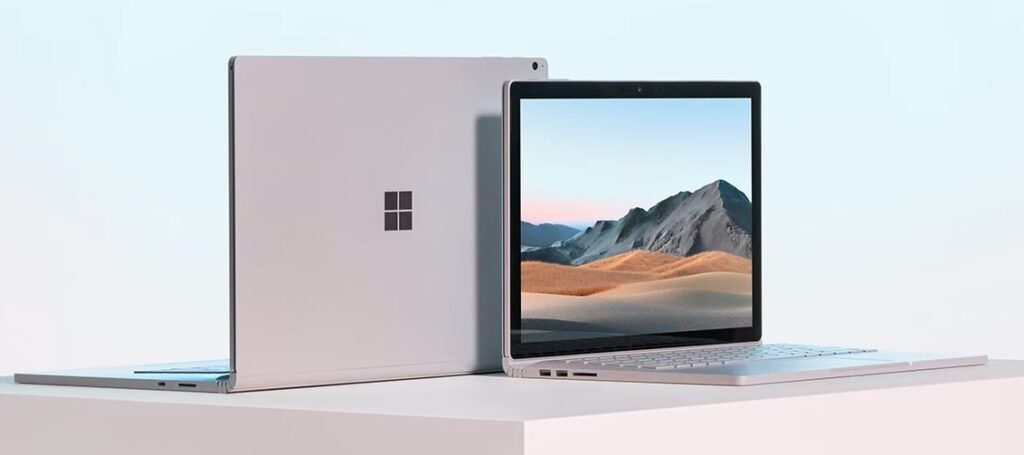
The Surface Book 3 is unique among all of Microsoft’s products. The screen may be removed from the laptop’s deck and used as a standalone tablet, and the laptop’s unique hinge folds inward as the lid is closed.
The Surface Book 3 is available in two sizes, 13.5 and 15 inches, just like the Surface Laptop 3. The base price of the Book 3 13-inch model is $1,600, while the base price of the Book 3 15-inch model is $2,299.
In contrast to the Laptop 3, all Book 3 devices are powered by Intel processors. They range in power from an Intel Core i5 to a Core i7, depending on the specifics of your setup. In addition, the maximum amount of RAM and storage space you can equip a Book 3 with is 32GB and 2TB, respectively.
The Nvidia GeForce GTX 1660 Ti with Max-Q graphics card is an optional extra that can be used to speed up video and photo editing and even turn the Book 3 into a gaming computer for casual use.
We had a great time using the Book 3, except for the 15-inch model’s tiny trackpad. The more compact model is more accommodating, but we had trouble making do with it.
The Surface Book 3 can perform as well as any other tablet on the street when used as a laptop. It can also transform into a tablet when its portability is more important. You miss out on the faster GPU (located underneath the keyboard), but this doesn’t diminish the overall experience.
The Surface Book 3 is the best Microsoft portable computer you can buy, whether you need it for editing videos or playing games on the go.
Surface Laptop Studio: For creative pros
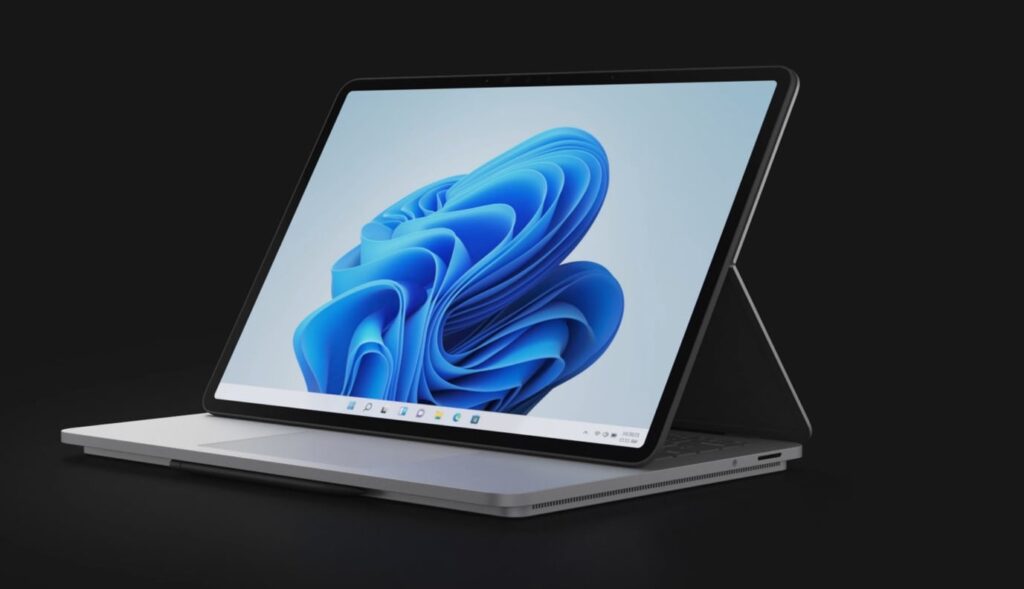
The Surface Laptop Studio is new to the Surface family and takes the place of the Surface Book. The Laptop Studio’s screen does not separate from the base, but rather it includes a revolutionary hinge that allows you to place it in whatever orientation you like. It’s fantastic that you can convert the laptop into a tablet by flatting the screen on top of the device’s chassis.
The entry-level Laptop Studio starts at $1,599 and features an Intel Core i5 processor, 16GB of RAM, and a 256GB solid-state drive (SSD). For $3,099, you can obtain an i7 processor, 32GB of RAM, a 2TB solid-state drive (SSD), and an RTX 3050 Ti graphics processing unit (GPU) for intensive video editing and light PC gaming. There is a wide range of choices between those two extremes, but if you require a dedicated GPU, you can count on spending a lot of money.
The keyboard is the finest we’ve encountered on a Surface product. In addition, Microsoft included haptic feedback on the touchpad, a technology that Apple’s MacBooks have had for ages and which significantly enhances the user experience.
The battery lasted long enough for a typical workday but fell short of Microsoft’s claimed 19 hours of use.
Microsoft created the Laptop Studio for those who regularly use image and video editing software and CAD programs for professional purposes. It is the most advanced product that Microsoft has available.
Infoceptor's editorial team handpicks all of the products and services it recommends, regardless of external influences. Affiliate links appear in some of our stories. We may receive an affiliate commission if you purchase something through one of these links, which helps us stay independent and support our great team.


